
How to use A1 Word Editor on iOS
You can use A1 Word Editor to edit ,create or convert any kind of office document, including but not limited to formats like docx, docx, xlsx, xls, ppt, pptx, pdf and so on.
Create
In order to create a document, follow the following steps -
-
Once you open the app, on home screen you will see a FAB button, press that, as shown in image below

-
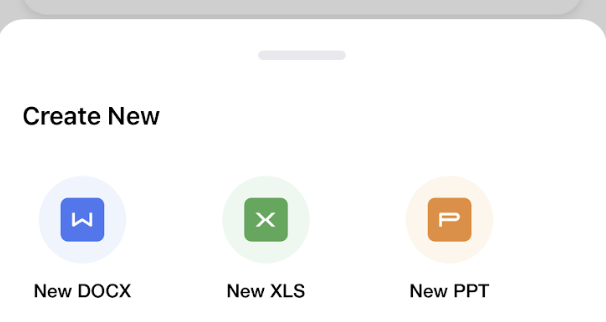
You should be able to see a popup with all the options like - Docx, Xlsx, Pptx. These are the formats that you can create using A1 Word, select the format that you wish to create
- You will be redirected to a template page - select the template which looks right for the content that you wish to create
- Start creating!

Edit
In order to edit a document, you can
- Once you open the app, on home screen you will see a FAB button, press that
-
You should be able to see a popup with Import option, tap on that option
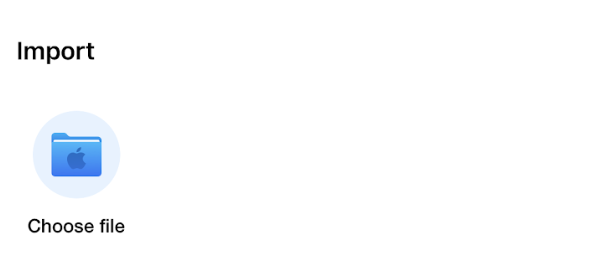
Import from device - You will be redirected to file selection page - use the navigation on the top left to discover other folders
- Once you arrive at the correct location, select the file
- Start editing!
