
How to create a document in A1 Word
In order to create a document, follow the following steps -
-
Once you open the app, on home screen you will see a FAB button, press that, as shown in image below

-
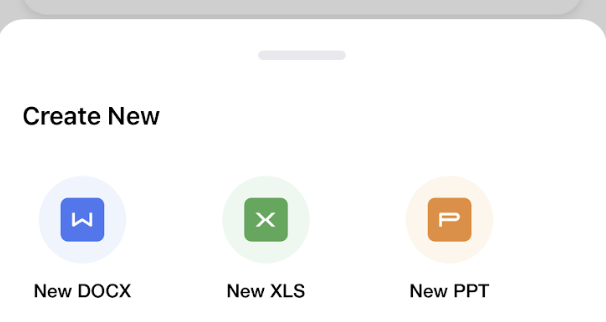
You should be able to see a popup with all the options like - Docx, Xlsx, Pptx. These are the formats that you can create using A1 Word, select the format that you wish to create
- You will be redirected to a template page - select the template which looks right for the content that you wish to create
- Start creating!

