How to edit & save a file
-
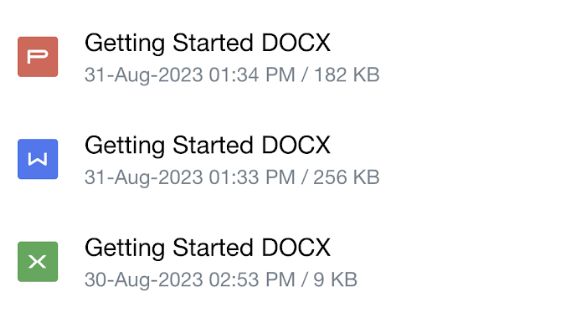
Select the file that you wish to edit
-
File will be opened in preview screen, select edit at the bottom. You will be redirected to our edit screen where you can start making changes

- After you are done making the changes, press 3 dots on top right.

-
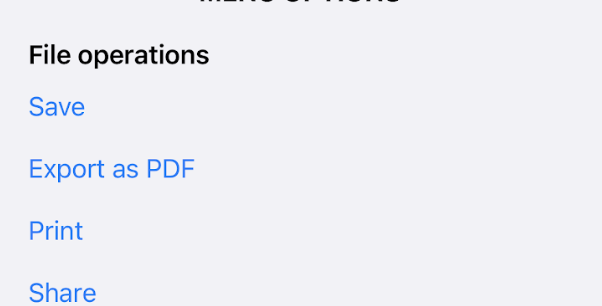
Pressing 3 dots should open a popup with option to export / save the document