How to change font family or font size of the text
In order to change the font family or font size of the text in A1 Word / A1 XLS, please follow the following approach -
-
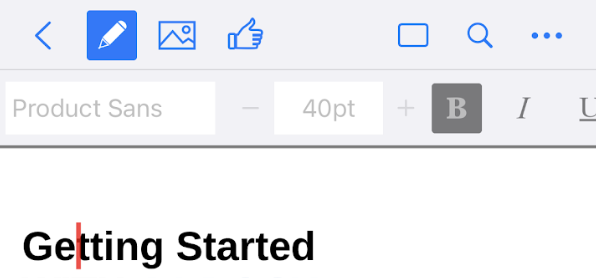
Open your target file in the editor screen - as shown below


-
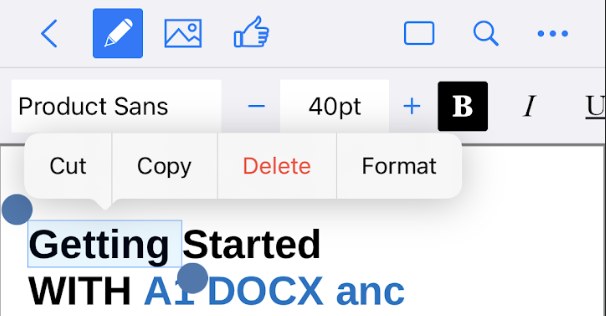
Activate the edit controls from the top by pressing the pencil button - toolset containing options like font size, font family, etc should show up
-
Select the text that you wish to update to activate the controls