How to use A1 PDF Editor - iOS
"Edit PDFs Like a Pro: Transform static PDF documents into dynamic, editable files. Modify text, fonts, and layouts effortlessly."
—
In order to edit the PDF files, please follow the following steps:
1.File Selection: Select file by using the "Edit PDF" option on the quick toolbar or by importing it from the "FAB" section.


- Preview: Once the selected file is open, you'll find three clear choices: "Sign," "Edit," and "Annotate." Click on "Edit" to continue.

- Editing: Now, you're all set to make changes, can edit, delete, or modify the text of the file. You even have the flexibility to adjust text properties, such as color, font size, style, and alignment.

-
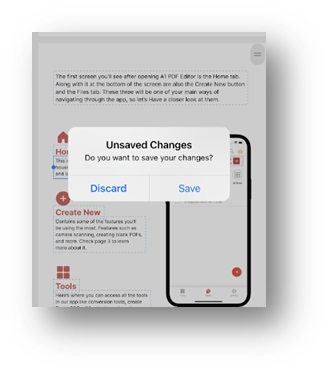
Saving: After you've made the desired edits, simply click the top-left back button and choose the "Save" option to keep your changes.